News

WholeChainTech Hydraulic Trailer Wireless Remote Control: A Complete Operation Guide

2026-06-30 0 Leave me a message

WholeChainTech, a leading manufacturer of hydraulic transport solutions, has officially released a comprehensive operation guide for its wireless remote control system designed for hydraulic trailers. This advanced remote system simplifies lifting and lowering operations, enhances on-site safety, and boosts work efficiency across agriculture, landscaping, construction, and logistics scenarios. Below is a step-by-step tutorial covering pairing, operation, safety protocols, and troubleshooting to ensure reliable, long-term use.

System Overview: Key Features & Specifications

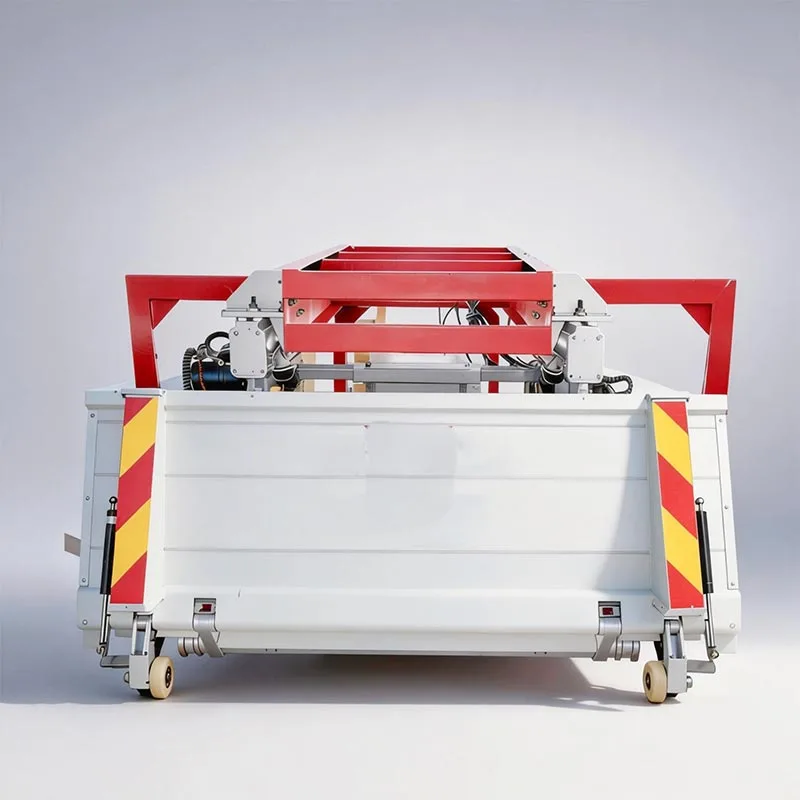
WholeChainTech’s wireless remote system is engineered for heavy-duty hydraulic trailers, supporting 12V/24V DC power supplies with an IP65 waterproof and dustproof rating, ideal for outdoor and harsh working environments. The system includes a handheld transmitter with 6 function keys and a signal receiver mounted on the trailer chassis.

• Control Logic: Keys 1/5 = Lift (升); Keys 2/6 = Lower (降)

• Signal Range: Up to 50 meters (stable in open areas)

• Response Time: <300ms for instant hydraulic actuation

• Safety Features: Auto power-off after 1 minute of inactivity; low-battery warning; mechanical interlock with trailer safety pins

Step 1: Pre-Operation Preparation & Safety Check

Before using the wireless remote, complete these critical checks to ensure safe operation:

1. Power & Battery: Install 2 AA batteries in the transmitter; confirm the trailer battery is fully charged (12V/24V) and securely connected.

2. Receiver Installation: Verify the receiver is mounted in a dry, protected location with the antenna extended outside metal enclosures for optimal signal reception.

3. Hydraulic System: Check hydraulic oil level, ensure no leaks, and confirm the lifting cylinder is in good condition.

4. Safety Pin Operation: Critical Safety Rule: Always pull out the safety pin before lifting/lowering; reinsert and lock the pin once the operation is complete to prevent accidental movement.

5. Clear Work Area: Ensure no personnel or obstacles are within the trailer’s lifting range; operate from a stable, visible position.

Step 2: Remote & Receiver Pairing (First-Time Use)

1. Power on the trailer and receiver; the receiver’s power LED will illuminate steadily.

2. On the transmitter, press and hold the ON button for 1 second until the signal LED turns red (active mode).

3. Simultaneously press and hold Keys 1 (Lift) and 2 (Lower) for 3 seconds until the transmitter LED flashes green, confirming successful pairing.

4. Test basic functions: Press Key 1/5 to lift and Key 2/6 to lower; ensure smooth, responsive movement.

Step 3: Standard Lifting & Lowering Operation

Lifting the Trailer Bed

1. Pull out the safety pin and confirm it is fully disengaged.

2. Activate the remote (ON button, red LED on).

3. Press and hold Key 1 or 5 to activate the hydraulic lift; release the key to stop at the desired height.

4. Once lifting is complete, reinsert and lock the safety pin immediately.

Lowering the Trailer Bed

1. Pull out the safety pin.

2. Activate the remote.

3. Press and hold Key 2 or 6 to lower the bed; control speed by adjusting hold time (longer hold = faster descent).

4. When fully lowered, reinsert and lock the safety pin to secure the bed.

Step 4: Advanced Operation & Best Practices

• Dual-Key Redundancy: Keys 1/5 (lift) and 2/6 (lower) provide backup control—use either set for reliable operation.

• Precision Control: Use short, intermittent presses for fine height adjustments, ideal for delicate cargo like livestock or potted plants.

• Auto Power-Off: The remote shuts off after 1 minute of inactivity to save battery; press ON to reactivate.

• Low-Battery Warning: A flashing red LED indicates low battery—replace batteries immediately to avoid signal loss.

• Maintenance: Clean the remote and receiver regularly; inspect wiring for wear; apply anti-corrosion treatment to connectors in humid environments.

Step 5: Troubleshooting Common IssuesIssueCauseSolutionNo response when pressing keysWeak battery; signal interference; unpaired remoteReplace batteries; move to open area; re-pair remote and receiverIntermittent operationPoor antenna placement; loose wiringReposition antenna; tighten receiver connectionsHydraulic movement is slowLow battery voltage; insufficient hydraulic oilCharge trailer battery; top up hydraulic fluidSafety pin cannot be insertedBed not fully lowered; misaligned pin holesLower bed completely; realign pin holesSafety Protocols: Non-Negotiable Rules

1. Never operate the remote without pulling the safety pin—this is the primary mechanical safety device.

2. Always reinsert the safety pin after lifting/lowering to prevent accidental bed movement during transport.

3. Do not operate the remote from inside the vehicle cab; maintain a clear line of sight to the trailer.

4. Keep the remote away from water, dust, and extreme temperatures; store in a dry, secure place when not in use.

5. In case of emergency, release all keys immediately; the system defaults to stop mode.

Conclusion: Efficiency & Safety Redefined

WholeChainTech’s wireless remote control system transforms hydraulic trailer operation by combining ease of use, advanced safety features, and reliable performance. By following this step-by-step guide, operators can master remote control in minutes, reducing physical effort, minimizing on-site risks, and maximizing productivity across diverse applications.

For further technical support, custom configuration, or replacement parts, contact WholeChainTech’s global service team. We are committed to providing durable, user-centric solutions that empower your transport operations.

Related News
Leave me a message
X
We use cookies to offer you a better browsing experience, analyze site traffic and personalize content. By using this site, you agree to our use of cookies.Privacy Policy
RejectAccept